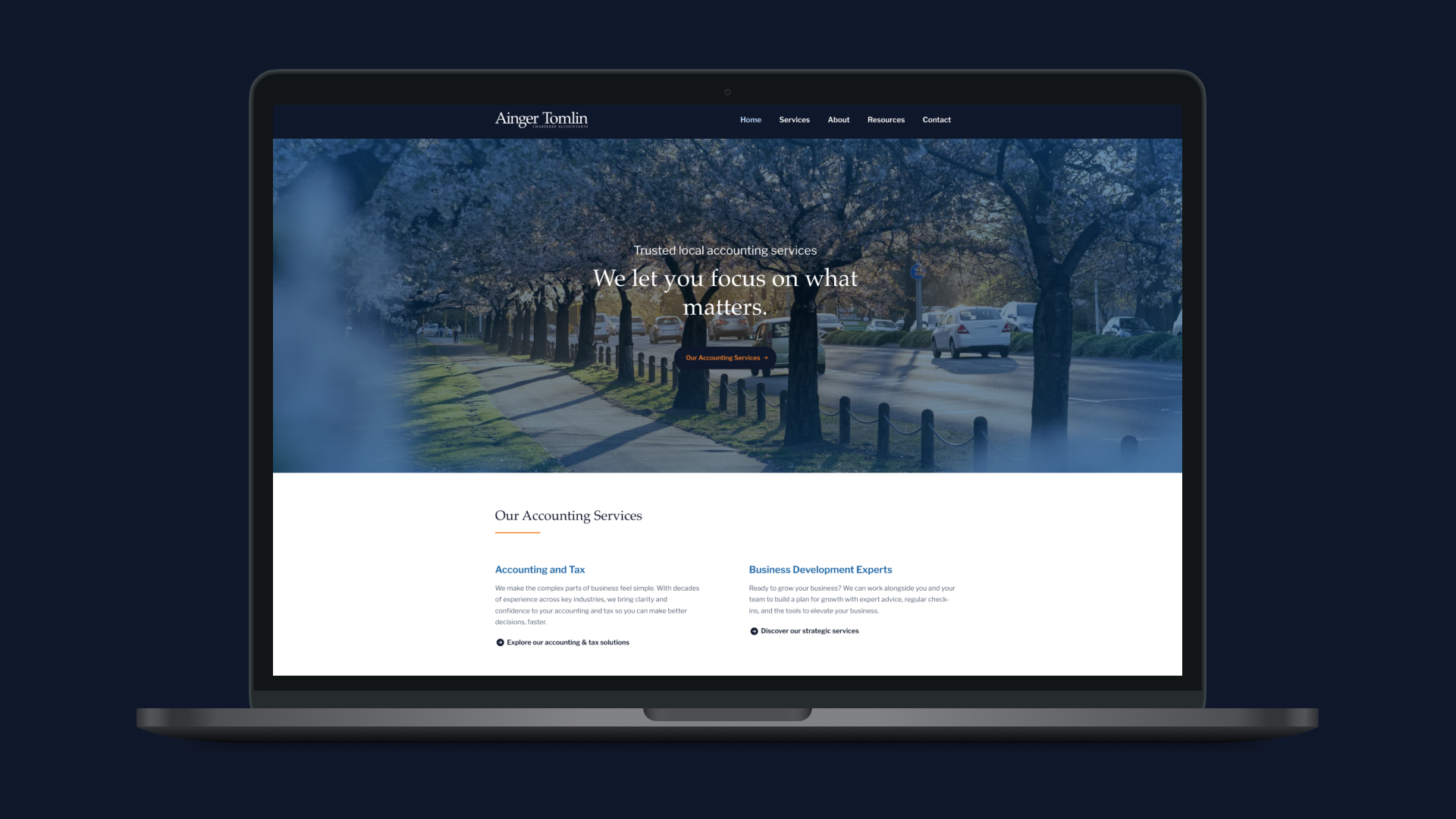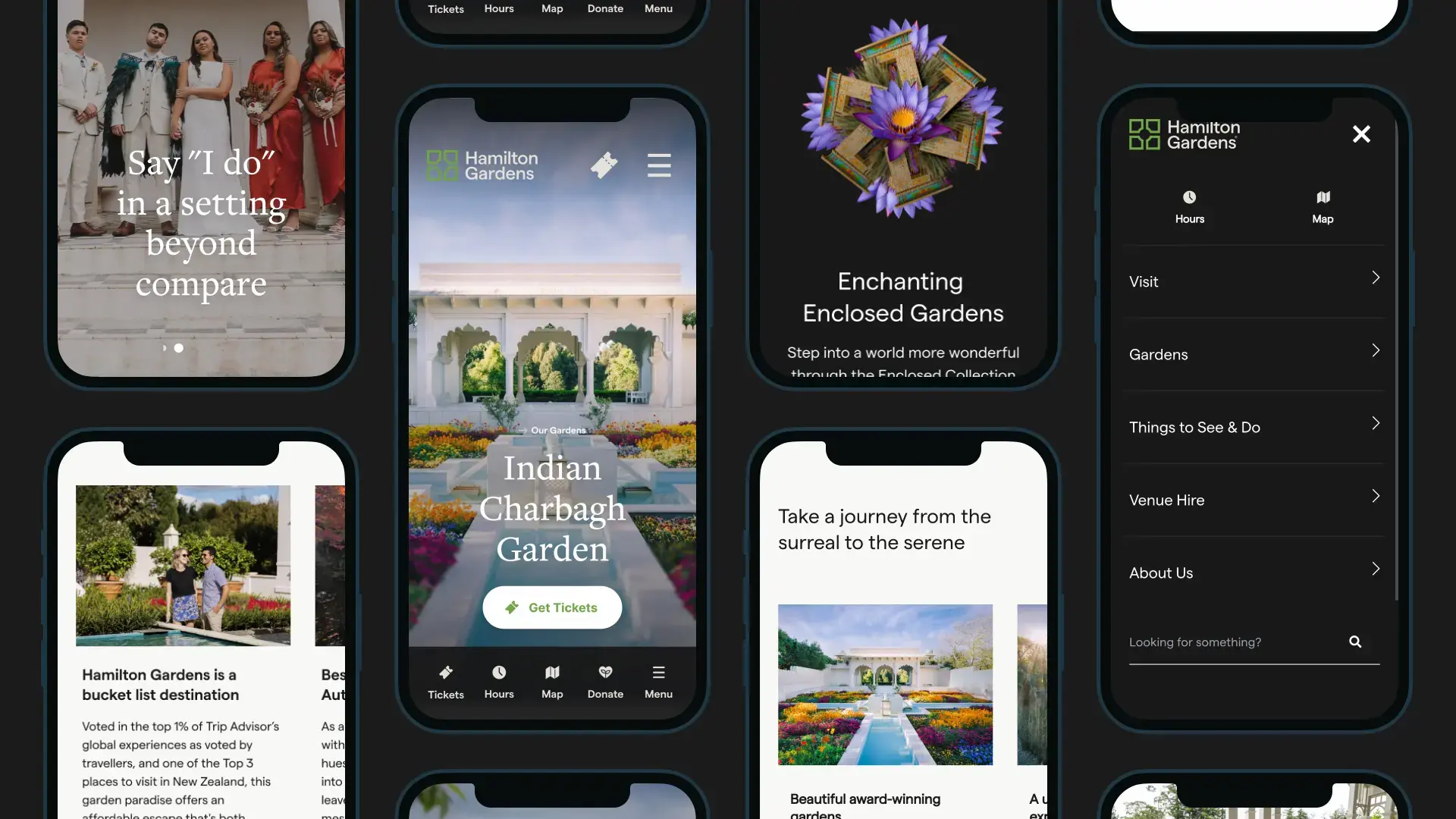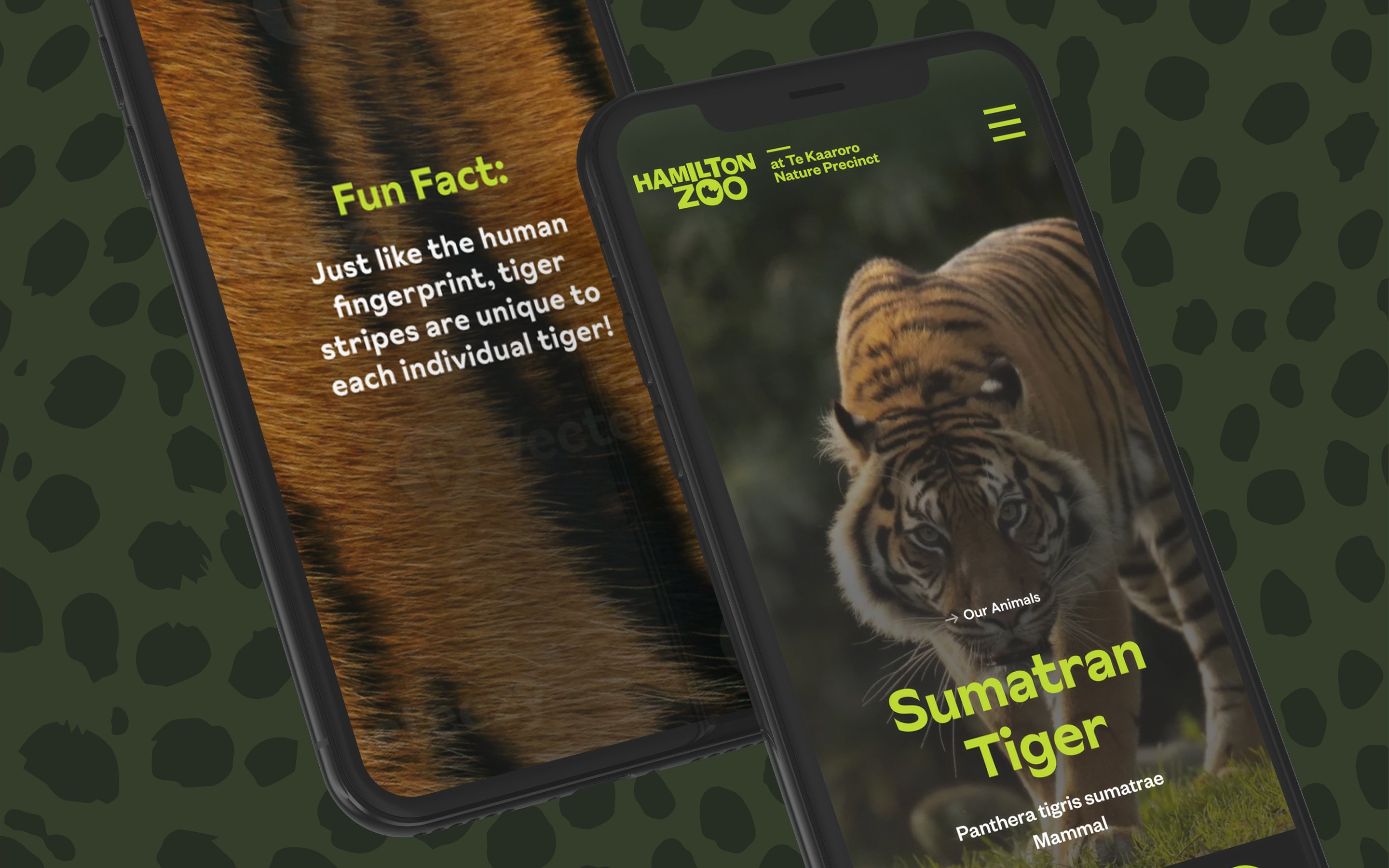
WCAG 2.2 AA

Website Accessibility Experts

We've helped business, government, council and NGO clients design, build and maintain accessible, usable websites that not only help everyone use the web, but also look great. 

Accessibility First Image

WCAG 2.2 AA Accessibility

An accessible website is a better website. For everyone.

Around one in four New Zealanders lives with a disability. WCAG 2.2 AA is the global standard for making sure they can use your website. We help brands meet it, without the jargon, the panic, or the rebuild.
Accessibility is good design, good business, and now, good practice.

For a long time, web accessibility was treated as a tick-box exercise. Something the legal team raised once a year. That has changed. Accessibility now sits at the intersection of brand, growth, and risk. The brands that get it right reach more people, convert better, and rank higher. The ones that ignore it pay for it later.

Web Content Accessibility Guidelines (WCAG) 2.2 is the current global benchmark. Level AA is the standard most regulators, governments, and procurement teams require. It covers four principles, around fifty success criteria, and applies to almost every part of a modern website.

This page is the practical version. What WCAG 2.2 AA actually means, where most New Zealand websites fall short, and what we do about it when we run an audit.

If you remember nothing else, remember this. Accessibility is not charity work, and it is not a one-off project. It is a discipline that quietly improves almost every metric you care about. More users reached. Fewer drop-offs. Better search visibility. Lower legal exposure. A reputation worth having.

Accessibility is not charity work. It is the cheapest growth lever most websites have left.

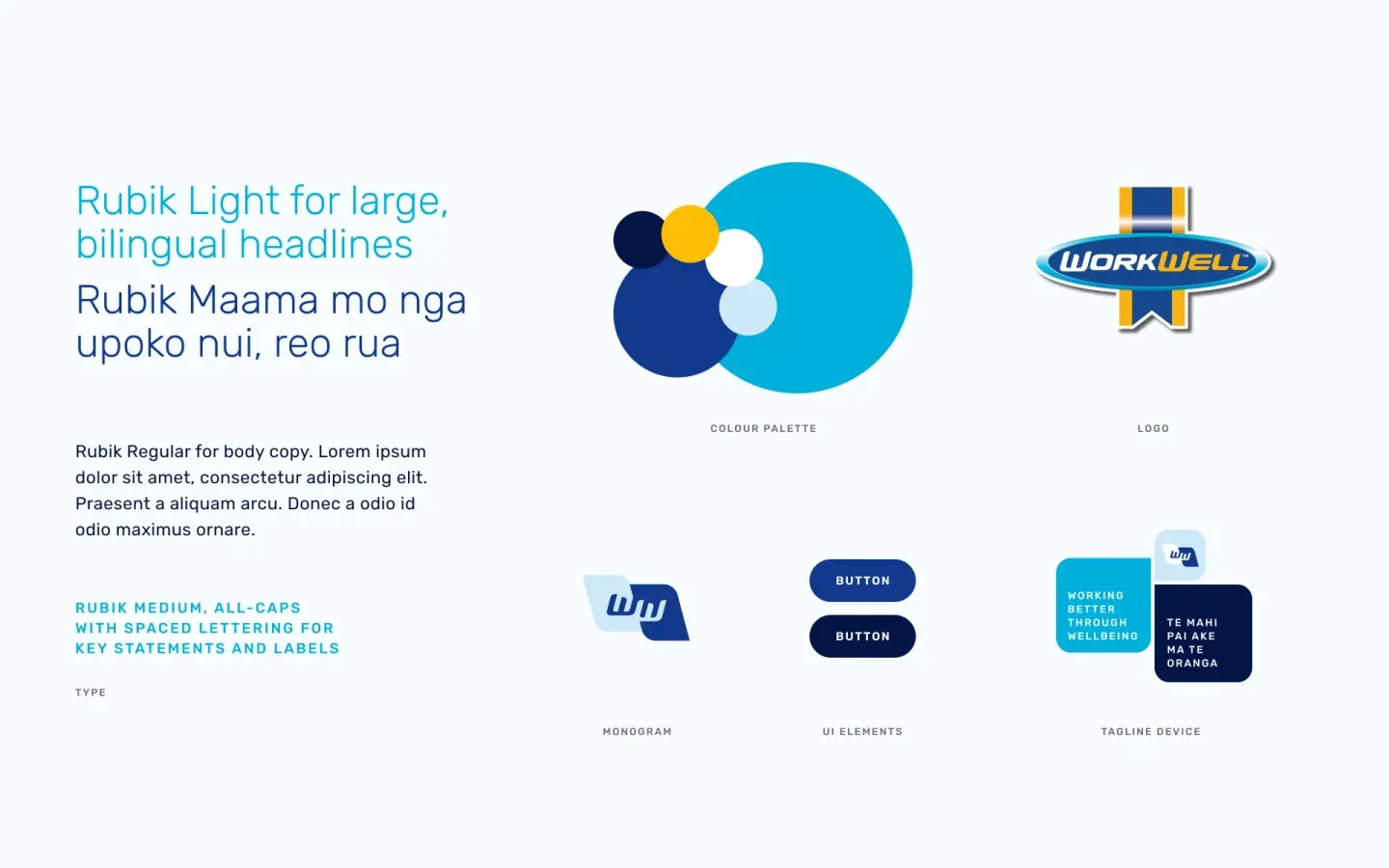
Our Brand Guideline for Work Well shows how we include accessibility from the very start, and put accessibility in each step of our website design and build process

Work Well Brand Accessible Brand Guideline

The cost of inaccessible design is bigger than most teams realise.

Accessibility issues quietly drain conversion, search visibility, and trust. They also create real legal exposure for both private and public sector organisations. A few numbers worth holding in your head.

24%

of New Zealanders live with a disability that affects how they use the web (Stats NZ, Disability Survey).

96%

of the world's top one million homepages still fail at least one WCAG criterion (WebAIM Million 2024).

71%

of users with disabilities will leave a site that is not accessible to them, and rarely return (Click-Away Pound).

NZ Govt mandate

All public sector websites must meet the NZ Government Web Accessibility Standard, based on WCAG 2.2 AA.

The flip side. Accessibility improvements consistently lift SEO, mobile usability, page speed, and conversion. The same things that help screen-reader users also help search engines, mobile users on flaky connections, and anyone using your site one-handed on the bus.

We build it in from the start.

Accessibility is part of how we design and develop, not a final QA pass. See the process behind every Black Sheep site.


See our process →

What does the law actually say in Aotearoa?

New Zealand does not have a single, consolidated digital accessibility act. Instead, the obligations come from a few overlapping places. We help clients understand which apply to them and what compliance looks like in practice.

Public sector

Government agencies must follow the New Zealand Government Web Accessibility Standard and the Web Usability Standard. Both reference WCAG 2.2 Level AA. If you are a Crown entity, a department, or you supply websites to one through procurement, this is non-negotiable.

Private sector

The Human Rights Act 1993 prohibits discrimination on the basis of disability in the supply of goods, facilities, and services. Case law and guidance from the Human Rights Commission make clear that this includes digital services. While there has not yet been a major NZ courtroom test of website accessibility, complaints are rising and the regulatory direction is clear.

The international ripple

If you sell into the EU, the European Accessibility Act took effect on 28 June 2025 and applies to most consumer-facing digital services. If you operate in Australia, the Disability Discrimination Act has produced multiple successful court actions. If you have US customers, ADA Title III lawsuits over website accessibility have grown every year for the last decade.

Beyond compliance, who actually benefits?

Accessibility is sometimes framed as a small group's problem. The reality is broader. The same design choices that help disabled users also help a much wider audience.

Older users with declining vision benefit from larger touch targets and stronger contrast. Mobile users in low light, on cracked screens, or with one hand free benefit from clear focus states and simple navigation. Non-native English speakers benefit from plain language. Search engines benefit from semantic HTML and meaningful alt text. Anyone using voice control, dictation, or a smart speaker benefits from accessible labels. The audience for accessible design is, in practice, everyone.

Perceivable. Operable. Understandable. Robust.

Every WCAG success criterion sits under one of four principles, often shortened to POUR. They are designed to be human, not legalistic. Here is what each one actually means in plain language, and what it tends to look like when sites get it wrong.

Perceivable

People can see, hear, or otherwise sense the content on the page, no matter how they take in information.

What it looks like

Meaningful alt text. Captions and transcripts on video. Sufficient colour contrast. Content not relying on colour alone.

Operable

People can navigate and interact with everything using whatever input device they use, including keyboard, switch, or voice.

What it looks like

Full keyboard navigation. Visible focus on every interactive element. Skip links and clear page structure. No time limits or seizure triggers.

Understandable

The content reads clearly and the interface behaves predictably. Users are not surprised, confused, or trapped by unexpected behaviour.

What it looks like

Plain language and consistent labels. Form errors that say what is wrong, in words. Predictable navigation. Identified page language for screen readers.

Robust

The site works with current and future tools, including screen readers, browsers, and assistive tech. Clean code is accessible code.

What it looks like

Valid, semantic HTML. Proper ARIA roles, used sparingly. Status messages announced to assistive tech. Components that survive updates.

The eight accessibility failures we find on almost every site.

After auditing dozens of New Zealand websites, the same issues come up again and again. None of them are fatal. All of them are fixable. Most are far cheaper to fix than to ignore.

Low contrast text

Body copy, button labels, and form placeholders that fall below the 4.5:1 ratio. Often a brand colour problem disguised as a design choice.

Missing or decorative alt text

Images marked with empty alt when they carry meaning, or alt that just says "image" or the file name. Screen reader users get nothing.

Keyboard traps

Modals, carousels, and chat widgets that swallow the keyboard. Users can tab in, but never tab out without reloading the page.

Form fields without labels

Floating placeholder text instead of a real label, or labels not programmatically tied to their input. Screen readers cannot tell users what to type.

Heading hierarchy gone rogue

Sites using H4 because it "looked nice", skipping H1, or stacking H3s for visual styling. Assistive tech navigation breaks immediately.

Click targets that are too small

Icon-only buttons, nav links, and close buttons under 24 by 24 pixels. WCAG 2.2 introduced a specific criterion for this. Many sites already fail it.

Video without captions

Hero videos, product walkthroughs, and customer stories shipped without captions or transcripts. The most common WCAG 1.2 failure.

Inaccessible PDFs

Brochures, reports, and policy docs uploaded as flat scans or untagged PDFs. Often invisible to anyone using a screen reader.

Five Website Accessibility myths that keep teams stuck.

Accessibility has more bad advice circulating about it than almost any other digital topic. Here are the five we hear most, and what is actually true.

Myth 01

"Accessibility only matters for people who are blind."

WCAG covers vision, hearing, motor, cognitive, and neurological access needs. Most accessibility wins benefit older users, people with temporary injuries, and anyone using a phone in bright sunlight.

Myth 02

"An overlay widget will fix it."

Overlays do not fix accessibility. They obscure it. The accessibility community has been clear and consistent on this for years. Real fixes happen in the underlying site.

Myth 03

"It will slow down the design."

Accessible design is good design. Clear hierarchy, sensible contrast, predictable patterns. The constraint sharpens the work, it does not blunt it.

Myth 04

"We need to rebuild from scratch."

Almost never true. Most sites can hit WCAG 2.2 AA with a focused remediation pass. The audit tells you what is worth fixing now, what can wait, and what to bake into the next redesign.

Myth 05

"It is a developer problem."

Around half of accessibility issues sit in design, content, and copy decisions, not code. Designers, content writers, marketers, and developers all own a slice of it.

download (2)

Awwward Recognised Accessible Design


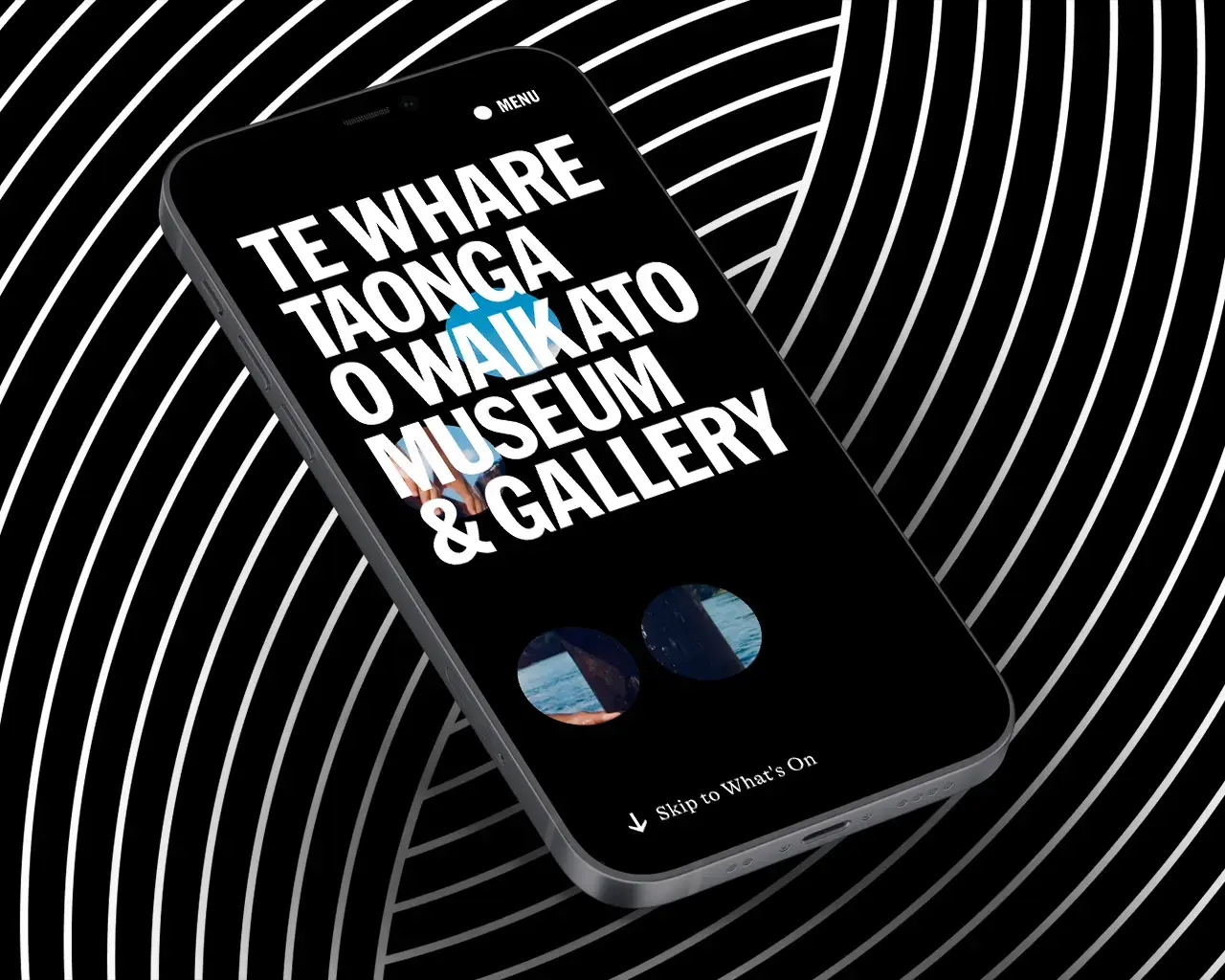
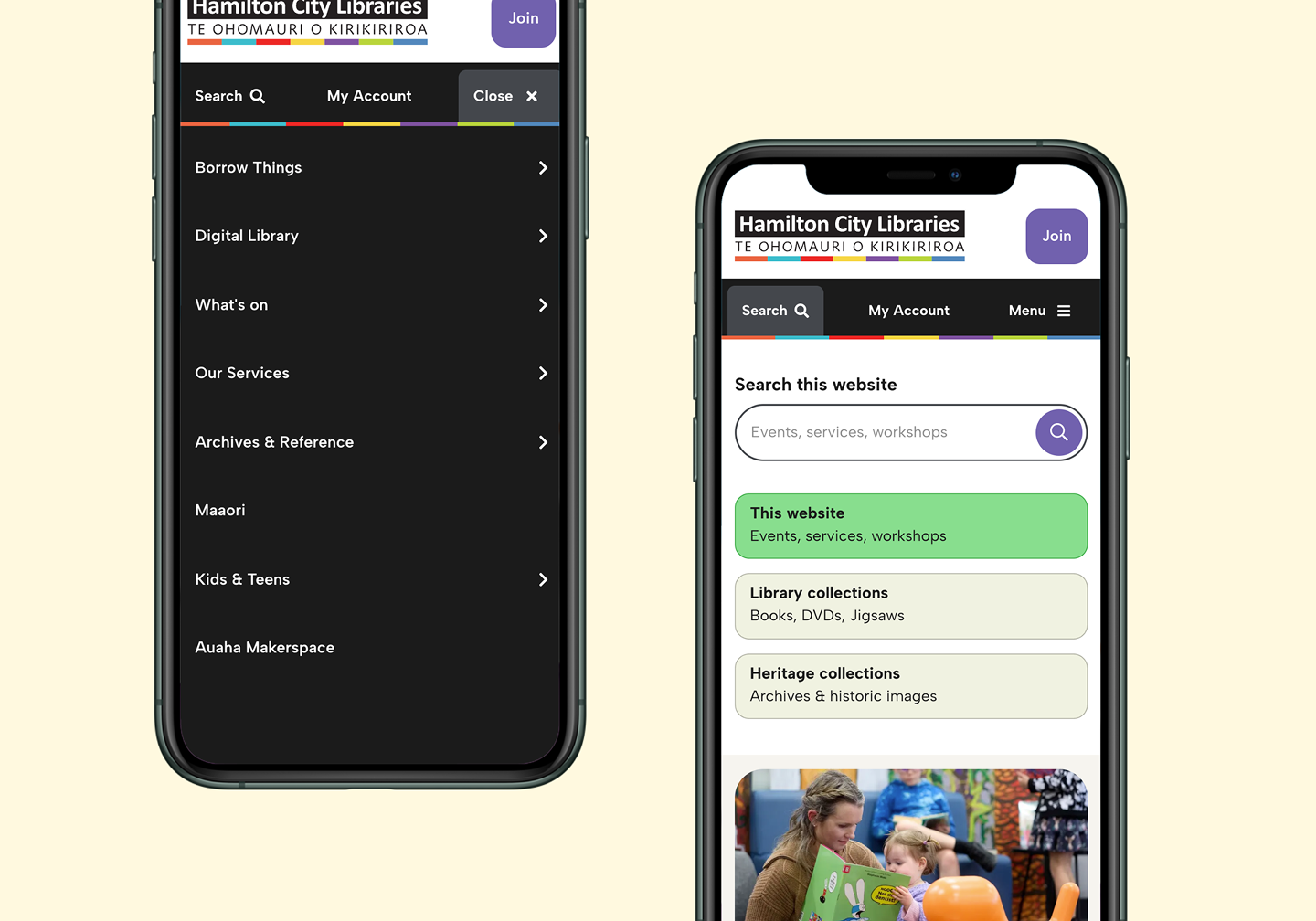
We've dispelled the myth that great website accessibility punishes design. But this isn't the case at all. Great design can thrive and win design recognition an a world that is accessible. 


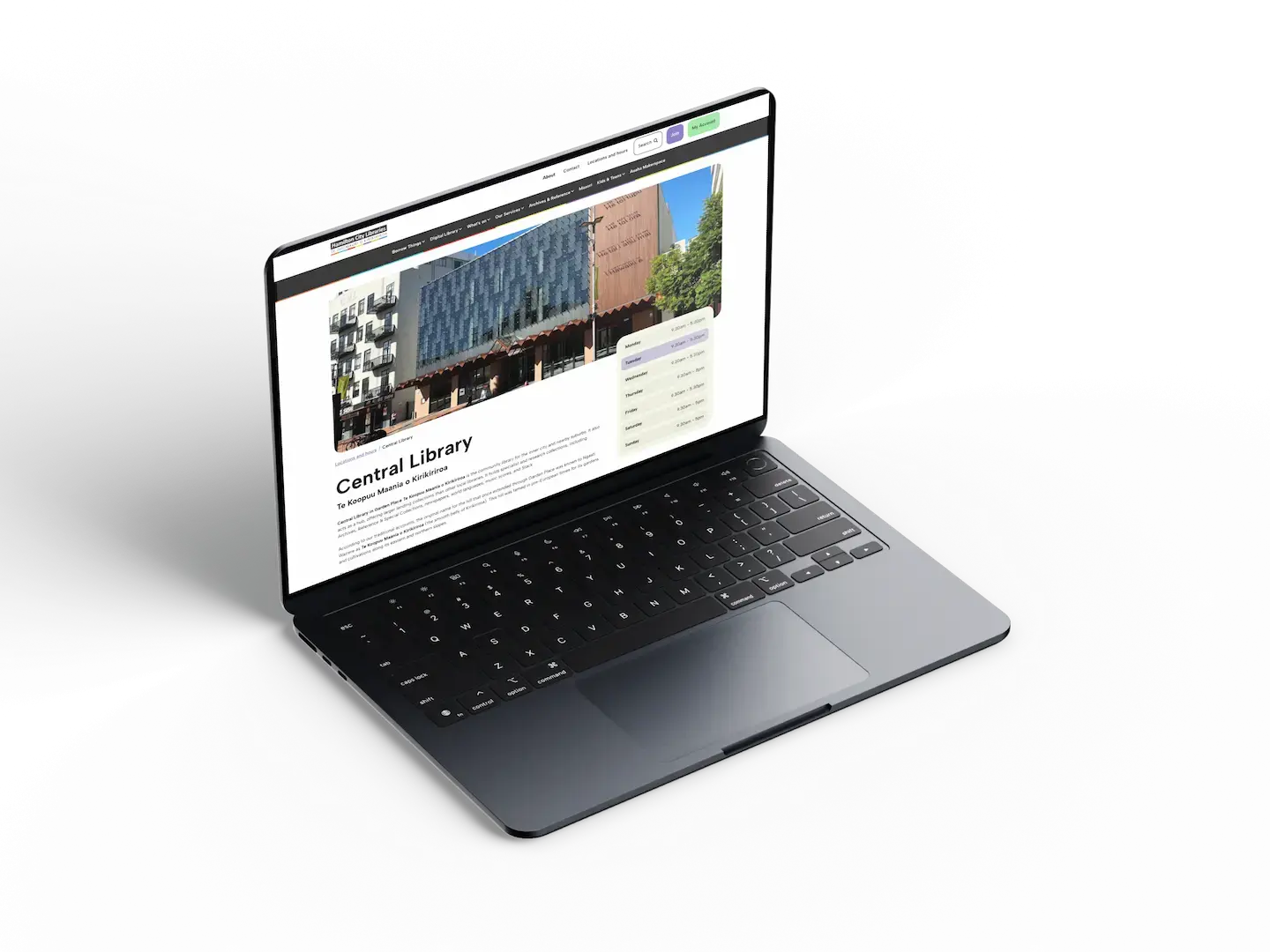
Check out the work we did for Te Whare Taonga O Waikato Museum and Gallery to see just how epic a well designed and accessible website can be.

Not sure where you stand against WCAG 2.2 AA.

Our audit is not a 200-page automated dump. It is a focused review by accessibility-trained designers and developers, combining automated scanning with manual testing. You leave with three things: a clear pass/fail picture, a prioritised fix list, and a roadmap to AA conformance.

Automated tools catch around 30 to 40 percent of accessibility issues. The rest live in human judgement. Is this alt text actually useful? Does this error message tell the user how to recover? Does this video have sound that matters? That is where our manual testing focuses. The result is an audit you can act on, not a wall of warnings to triage.

What we test

Automated WCAG 2.2 AA scan

Home page accessibility scan to surface every machine-detectable issue, weighted by severity.

Manual keyboard testing

We tab through your nav with no mouse. Forms, menus, modals, checkout. Anywhere a sighted user can go.

Screen reader walkthrough

Real testing on Screen Readers. We listen to your site the way some of your users do.

Colour and contrast review

Text and interactive element checked against WCAG AA contrast ratios, including focus and hover states.

Forms and error handling

Labels, instructions, errors, and success messages tested for clarity and assistive tech support.

Content and structure

Heading hierarchy, landmarks, link text, language attributes, and reading order across templates.

Media and PDFs

Alt text quality, video captions, transcripts, and a sample review of PDFs surfaced through the site.

Mobile and zoom testing

Reflow, target size, and zoom up to 400%. The criteria most desktop-focused testing tools miss.

Four steps from request to roadmap.

Most audits take two to three weeks from kickoff to delivery, depending on the size of the site. We keep it tight on purpose. Long audits stop being useful.

Scoping call

A 30 minute call to understand your site, your audience, and any obligations specific to your sector.

Audit and testing

Automated scanning, manual keyboard and screen reader testing, and content review across key templates.

Findings report

A clear PDF report with prioritised issues, severity ratings, screenshots, and the WCAG criteria each one breaches.

Roadmap and walkthrough

A live walkthrough with your team, plus a phased fix roadmap your developers can pick up immediately.


Request an accessibility audit

Frequently asked questions.

What is WCAG 2.2 AA in plain English?

WCAG stands for Web Content Accessibility Guidelines. Version 2.2 is the latest, published in October 2023. Level AA is the middle tier of conformance and the level most laws and procurement standards reference. It covers about 50 specific criteria across the four POUR principles. Level A is the bare minimum. Level AAA is rarely required and often impossible to meet on a content-heavy site.

Is my private business legally required to comply?

If you only operate in New Zealand, there is no specific accessibility act that targets private websites. However, the Human Rights Act prohibits disability discrimination in services, and that includes digital services. If you operate in the EU, UK, US, or Australia, the legal exposure is significantly higher and growing every year. Even where law does not require it, procurement, partnerships, and brand reputation increasingly do.

Can I just install an accessibility overlay widget?

No. Overlays are widgets that promise to fix accessibility automatically. They do not. Multiple lawsuits have been filed against companies that relied on them. Disability advocacy groups, including the Accessibility Statement Generator and over 800 accessibility experts, have publicly called for them to be discontinued. Real accessibility comes from real code and content changes.

How long does an audit take?

Most basic audits are completed in a week or so.  A large website with multiple templates, a logged-in area, and a checkout flow takes closer to four and will be a charged activity. We agree the timeline at the scoping call.

What does it cost?

Audit pricing depends on the size of the site and the number of unique templates. We offer fixed-fee audits in three tiers, starting from a single-page or small-site review for free through to full multi-template audits. We confirm a price after the scoping call and never bill for surprises.

Will I need to rebuild the site to fix issues?

Almost never. Most issues are content, code, or design changes that can be made inside your existing site. The roadmap we deliver is structured around effort versus impact, so your team can knock out high-value fixes first without waiting for a redesign cycle. 

Do you also help us fix the issues?

Yes, if you want us to. Some clients hand the report to their internal team. Others bring us in to do the remediation work, retest, and produce an accessibility statement at the end. We are happy with either, and the audit is the same regardless.

What is WCAG 2.2 vs 2.1?

WCAG 2.2 added nine new criteria that most matter for mobile users, cognitive accessibility, and authentication. The most talked-about additions are minimum target size, dragging movements, focus appearance, and accessible authentication. If your last audit was against WCAG 2.1, there are real new things to check.

Your journey to digital success starts here